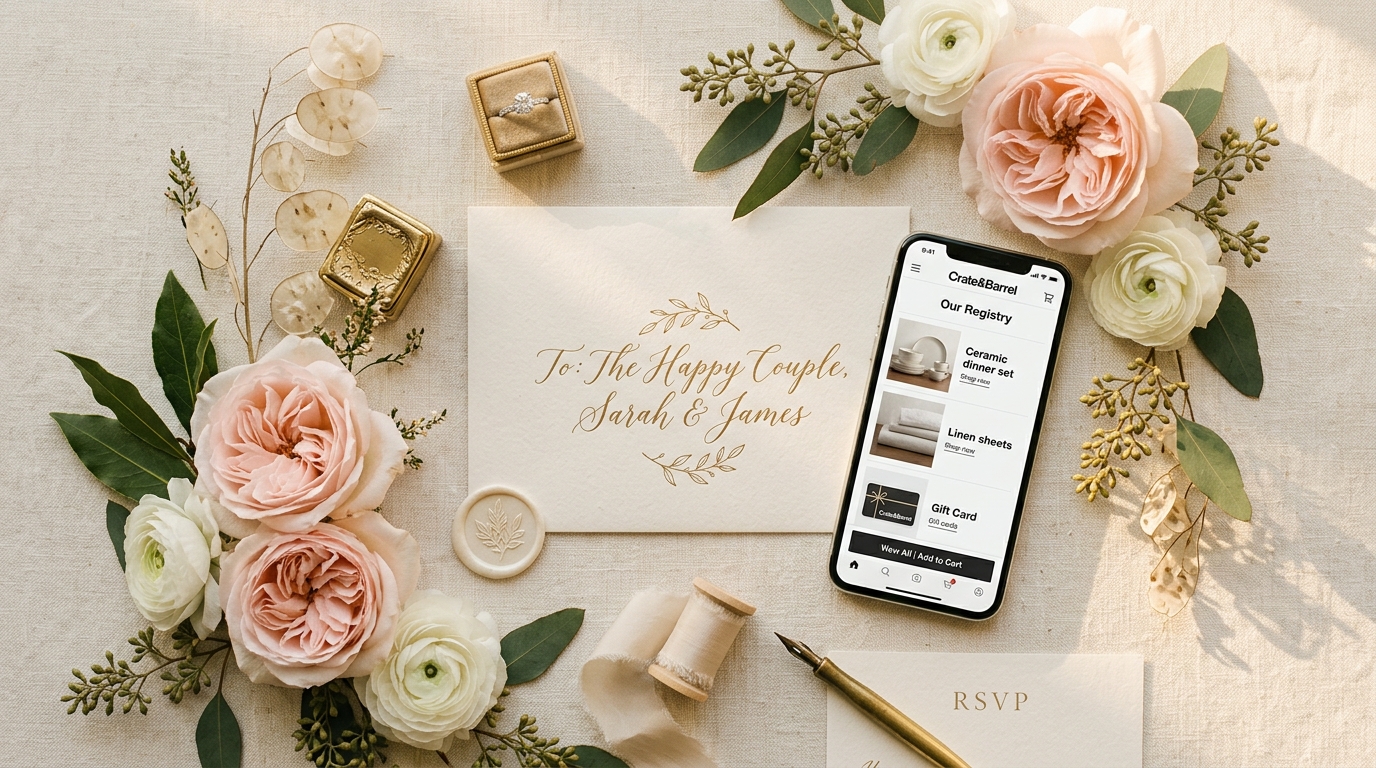
Creating elegant digital wedding invitations no longer requires expensive design software or web developers. Today, you can create a luxurious, interactive online invitation directly from your smartphone in less than 3 minutes—completely free and with no app download required.
Interactive invitation websites not only cut printing costs by 100%, but they also streamline guest attendance management, map navigation, and gift registries.
Here is your comprehensive walkthrough on building a free digital invitation with Give Luve.
Why Choose an Interactive Invitation Website?
Unlike static image files or video clips sent over chat, an interactive digital invitation provides a rich guest experience:
- Automated RSVP Tracking: Guests can RSVP in one tap with party size notes, automatically updating your host dashboard.
- 0% Fee Digital Cash Registry: Guests can send monetary gifts directly to your personal bank account or QR code with zero deductions.
- Smart Gift Wishlist: Curate physical items from top e-commerce platforms (like Shopee & Tokopedia) with built-in duplicate prevention.
- Google Maps & Calendar Integration: Guests can open directions in Google Maps or save the date to their digital calendar effortlessly.
5 Steps to Make Your Free Digital Invitation on Mobile
Step 1: Visit Give Luve
Open your phone's browser and navigate to Give Luve Free Digital Invitations.
- Tap "Start Now".
- Sign in with Google in one tap.
Step 2: Enter Event Details
Fill in your celebration information:
- Couple Details: Enter full names, nicknames, and family acknowledgments.
- Date & Venue: Set ceremony and reception timings along with venue location coordinates.
- Gallery & Music: Upload your favorite pre-wedding photos and select background audio.
Step 3: Choose an Elegant Visual Theme
Select from curated themes designed for modern tastes—from minimalist luxury (Elegant Blush) to royal heritage aesthetics (Kraton). All themes look flawless on iPhone and Android screens.
Step 4: Add Gift Wishlist & Cash Envelope Details
Empower guests with thoughtful gifting options:
- Link desired items using our Wedding Wishlist.
- Add your QR code or account details for seamless cashless gifting.
Step 5: Dispatch Personalized Links via WhatsApp
Once published, use our instant WhatsApp automation tool to dispatch individualized invitation cards with guest greeting names in seconds.
Ready to impress your guests? Visit Give Luve and launch your free digital invitation now!